CNC_BASICS_101
ZERO-TO-FIRST-CUT ▸ THE FUNDAMENTALS OF CNC MACHINING
> WHAT_IT_IS
CNC (Computer Numerical Control) machining uses a rotating cutting tool to remove material from a workpiece. Unlike additive manufacturing (3D printing), CNC is subtractive — you start with a block and carve away what you don't need. The result: precision parts with tight tolerances, excellent surface finish, and real mechanical properties.
The Shaper Origin is a handheld CNC — it guides you through the cut using computer vision (tape tracking) and an on-screen display. You move it by hand; it compensates for your imprecision. Think of it as a router with GPS.
> SAFETY
ROTATING CUTTING TOOL — CRITICAL SAFETY
- ▸ Safety glasses mandatory — chips fly at high velocity
- ▸ Hearing protection recommended — routers are loud (90–100dB)
- ▸ Dust extraction mandatory — fine particulates are harmful
- ▸ Secure the workpiece — never hold material by hand near the bit
- ▸ Check the bit before every cut — chipped or dull bits cause kickback
- ▸ Never reach into the cutting area while the spindle is running
- ▸ Keep hands behind the tool path — the Origin guides you, but physics wins
- ▸ Know your material — some plastics melt, some metals spark
> G-CODE_CONCEPTS
G-code is the language CNC machines speak. Each line is a command — move here, cut there, spin at this speed. You don't need to write G-code by hand (CAM software does it), but understanding the basics helps you troubleshoot.
> TOOL_SELECTION
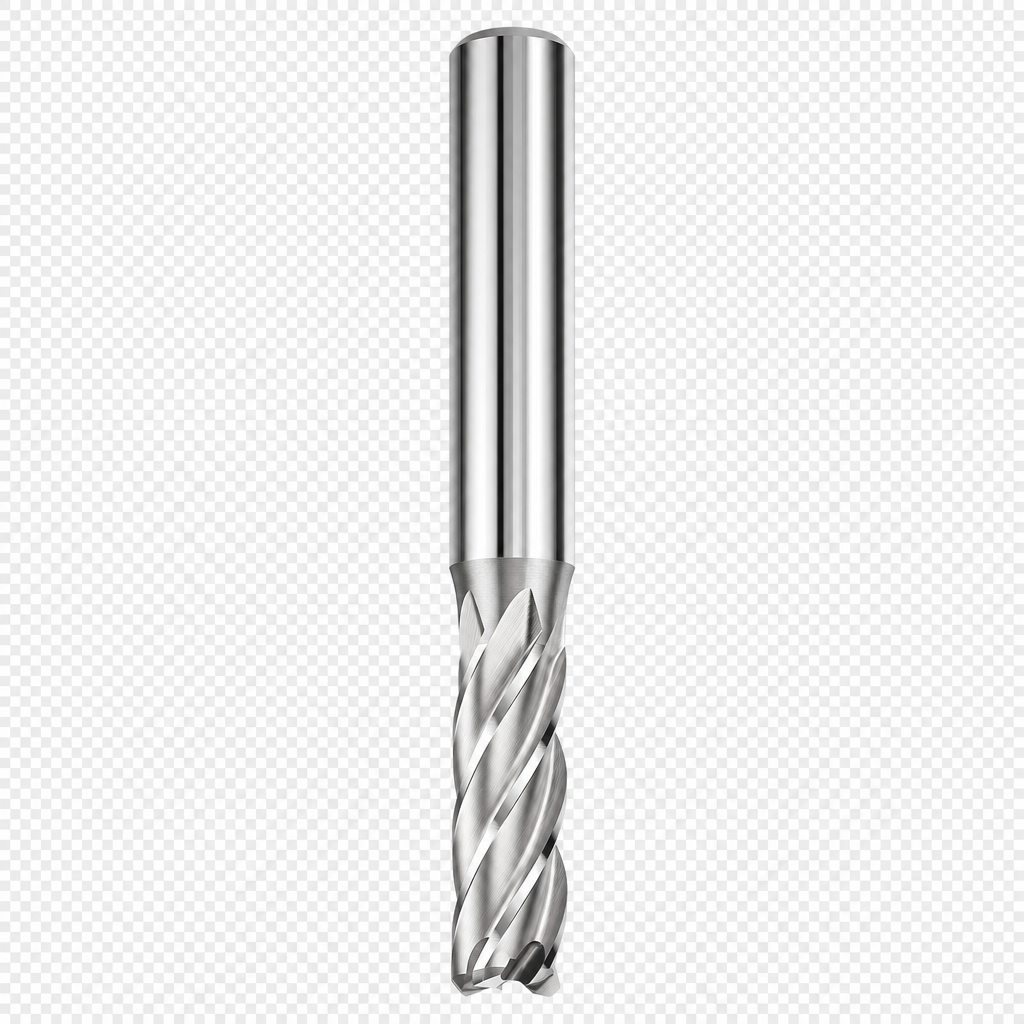
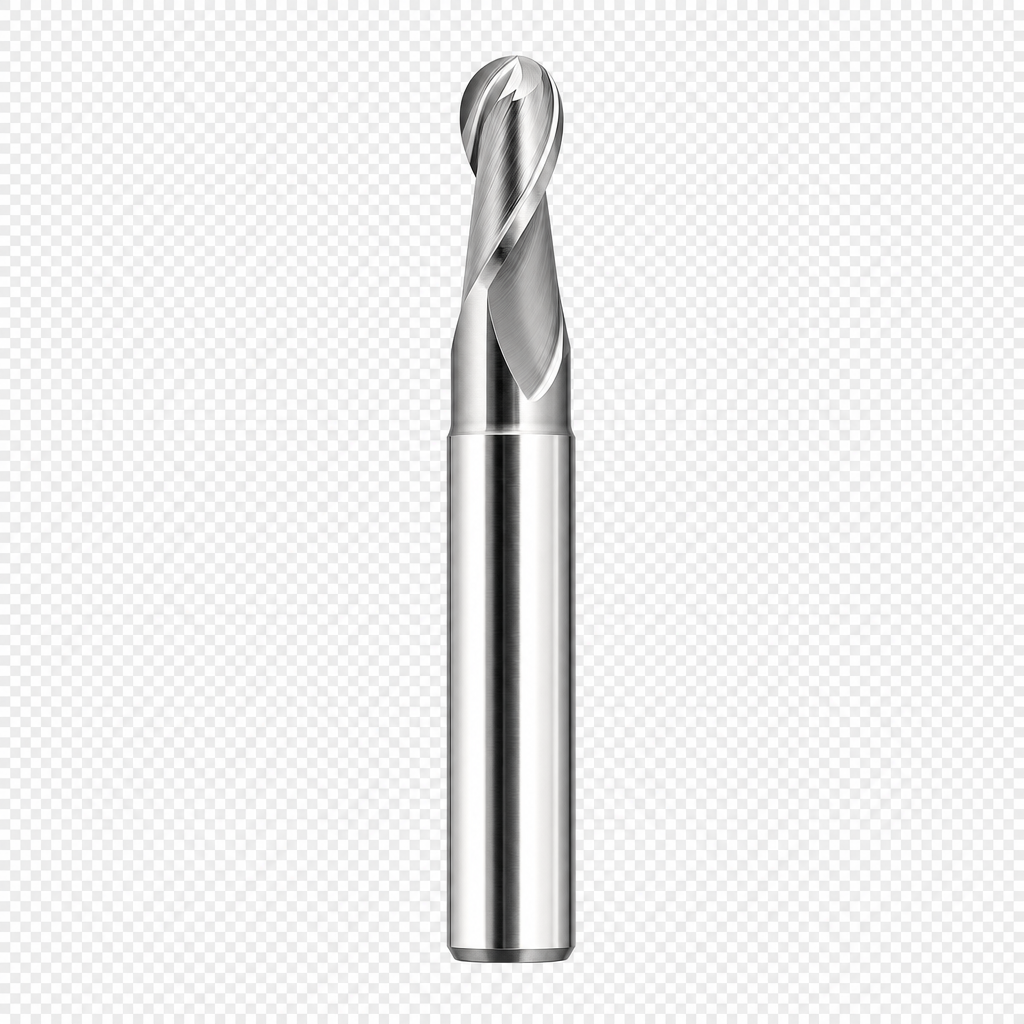
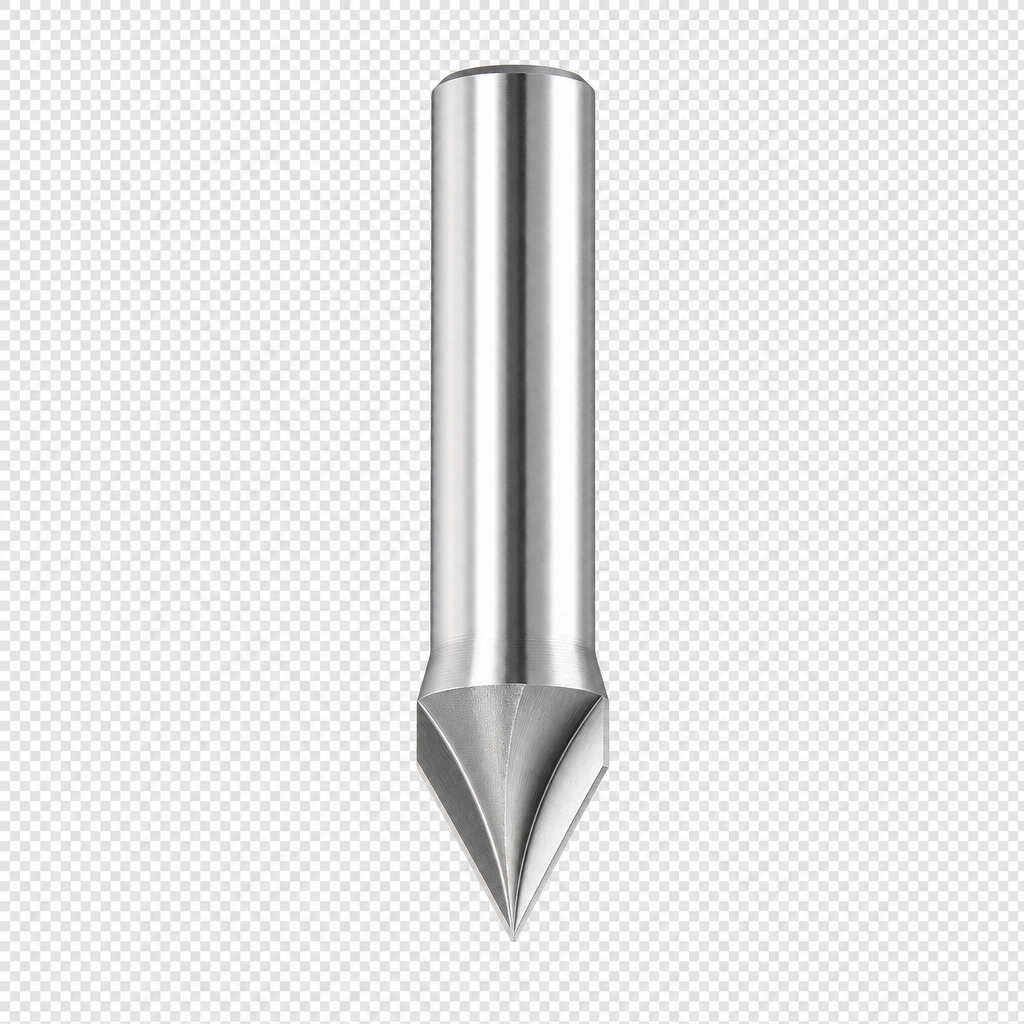
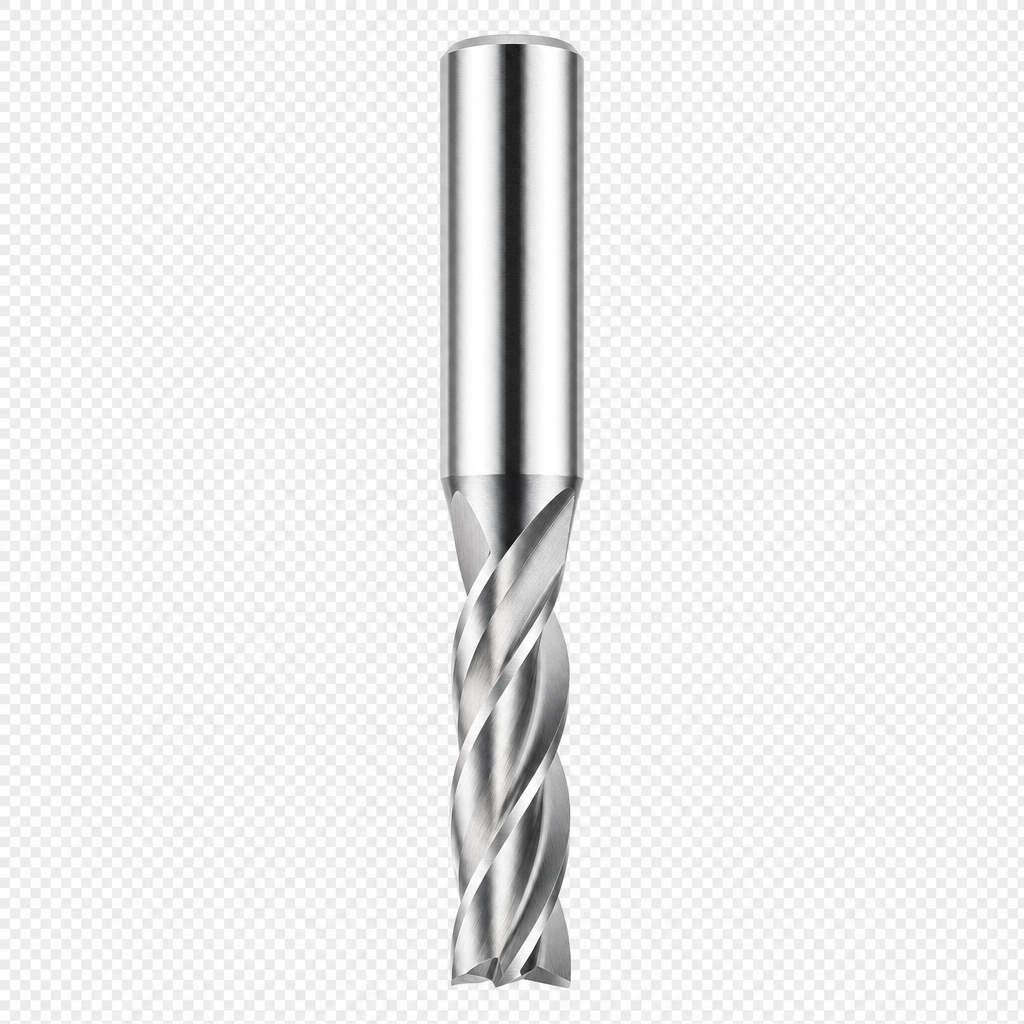
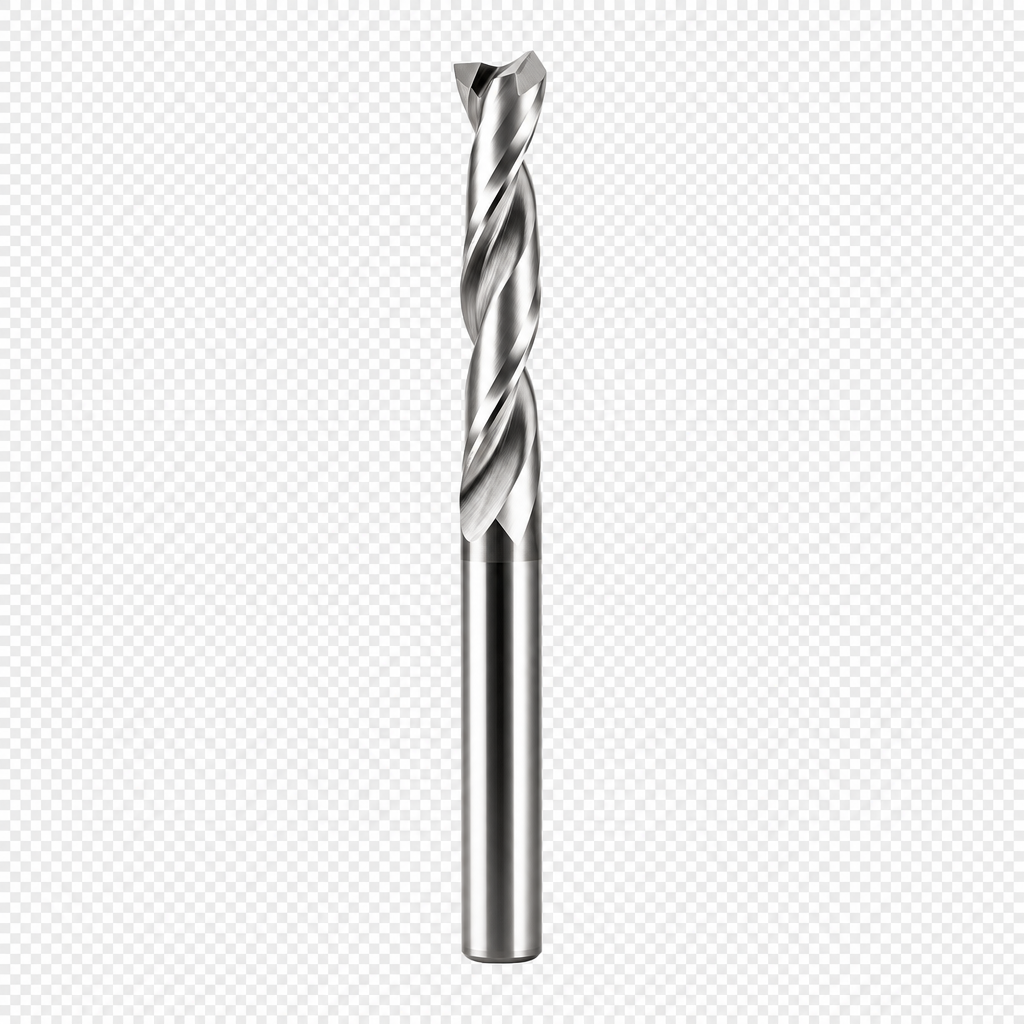
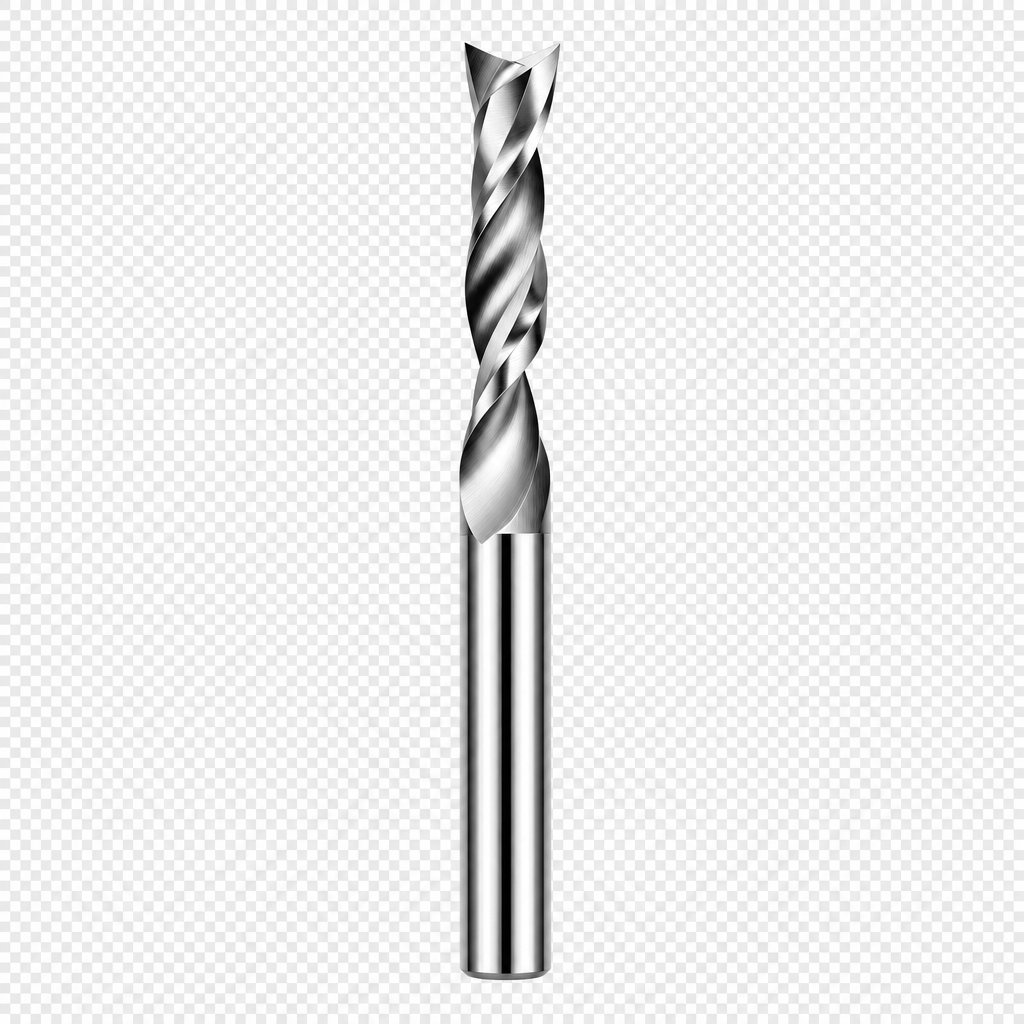
Hover a description to see the bit — or hover a bit to see what it does.
> FEEDS_&_SPEEDS
The two most important variables in CNC: how fast the tool spins (RPM) and how fast it moves through the material (feed rate). Get these wrong and you break bits, burn material, or get terrible surface finish.
> WORKHOLDING
How you hold the material matters as much as how you cut it. If the workpiece moves, the cut is ruined — and the bit may break.
- ▸ Double-sided tape + super glue (tape on one side, CA glue on tape) — strong, temporary, clean removal
- ▸ Clamps — simple, strong, but limit cutting area near the clamp
- ▸ Vacuum table — best for thin sheet stock. Even hold-down across entire surface
- ▸ Sacrificial board — screw through the workpiece into MDF underneath
- ▸ Shaper Origin: tape-based tracking requires the surface to be visible to the camera
> SHAPER_ORIGIN_WORKFLOW
- ▸ Design in Shaper Studio (web app) or import SVG from any CAD tool.
- ▸ Apply Shaper tape to the workpiece surface — the camera tracks these fiducial marks.
- ▸ Load the cut file to Origin via USB or Wi-Fi.
- ▸ Place the tool on the workpiece. The on-screen display shows the cut path.
- ▸ Move the tool by hand along the guided path. Origin auto-compensates for drift.
- ▸ For precision work: use the built-in alignment pins and offset features.
- ▸ Depth of cut: set manually. Multiple shallow passes are safer than one deep one.